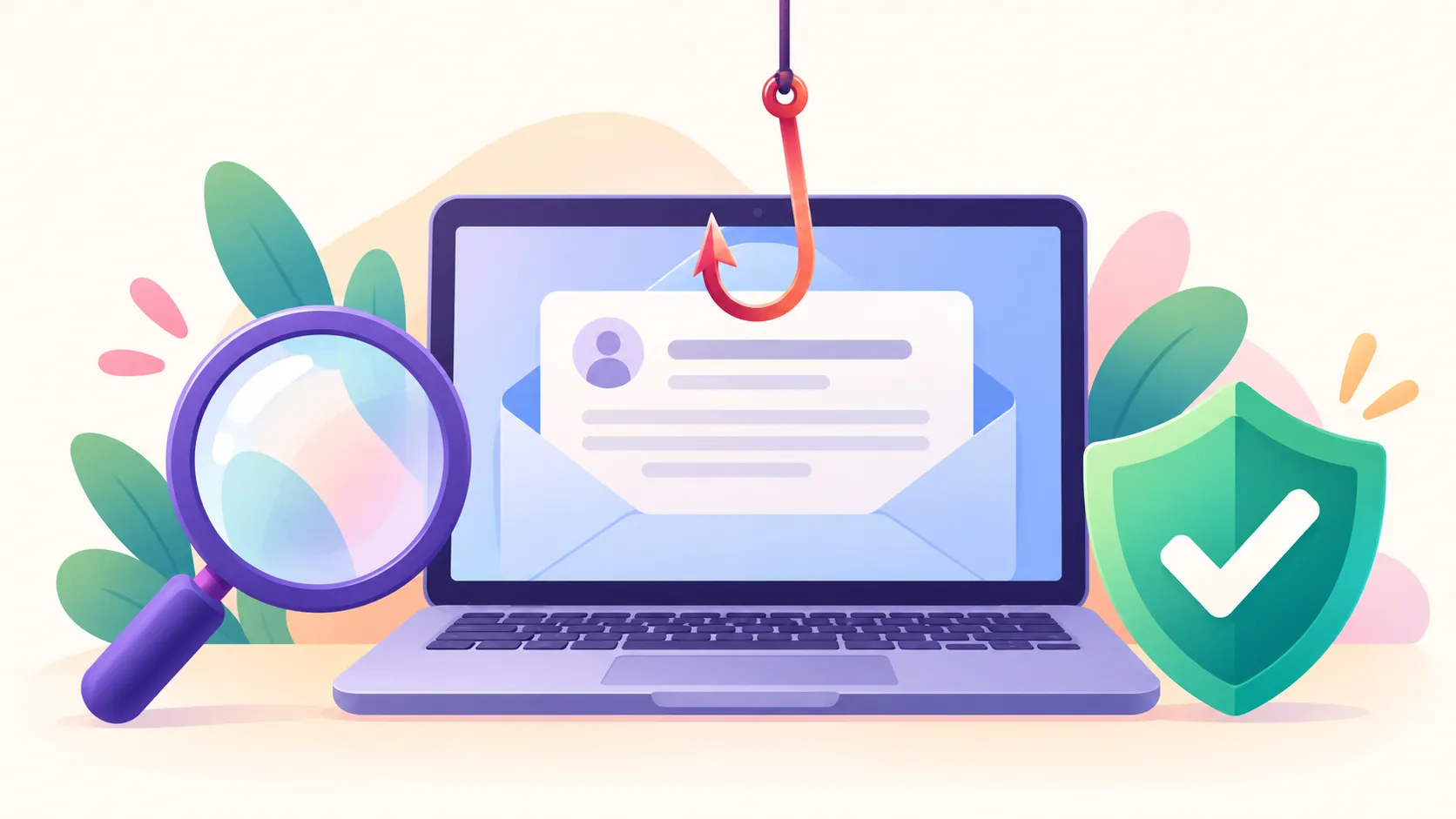
A phishing email tries to get you to hand over a password, payment details or personal information by pretending to be someone you trust — a bank, your school, a delivery company, even a friend whose account was hacked. The diagram above marks the warning signs on a real-looking example.
Warning Signs
- Urgency or fear. “Your account will be suspended in 24 hours” or “Unusual activity detected” is meant to make you act before you think.
- A link to log in, or a request for payment details. Real organizations rarely ask you to sign in through an email link to fix something urgent.
- A sender address that’s close but not exact. Read the whole domain:
support@amaz0n-billing.comis notamazon.com. - A generic greeting. “Dear Customer” from a company that knows your name.
- An unexpected attachment, especially a
.zip, an.exe, or a document that asks you to “enable content” or “enable macros.” - A link that doesn’t go where it says. On a computer, hover over a link to see its real address before you click; on a phone, press and hold it.
One sign alone isn’t proof, but two or more together is a strong signal something is off.
Quick Red-Flag Checklist
Before you click, reply or download anything:
- Does it pressure you to act now, or threaten a consequence if you don’t?
- Does it ask you to log in, “verify” or pay through a link in the email?
- Is the sender’s domain slightly different from the real organization’s?
- Does it greet you generically instead of by name?
- Is there an attachment you weren’t expecting?
If you can check two or more boxes, stop and verify it another way first.
How to Check Whether It’s Real
Don’t use anything in the email itself. Instead:
- Open a new tab and go to the organization’s website yourself, or use an app or bookmark you already trust.
- Call a number you already know is correct — never one from the suspicious email.
- If something is really wrong with your account, you’ll see it when you log in the normal way.
Warning: Your school, your bank and real tech-support teams will never ask for your password or a one-time sign-in code by email, text or phone. Anyone who asks for either is a scammer.
If You Already Clicked
- Entered a password? Change it right away on the real site — and on every other account that uses the same password. Turn on two-step verification if you can.
- Entered card or bank details? Call your bank or card issuer now. Most can freeze or replace a card within minutes.
- Downloaded a file? Don’t open it. Run a security scan on that device.
- Report it. Use your email’s “Report phishing” button, forward school-related phishing to your school’s IT help desk, and report scams to the FTC at reportfraud.ftc.gov.
Acting quickly limits the damage far more than waiting to see what happens.