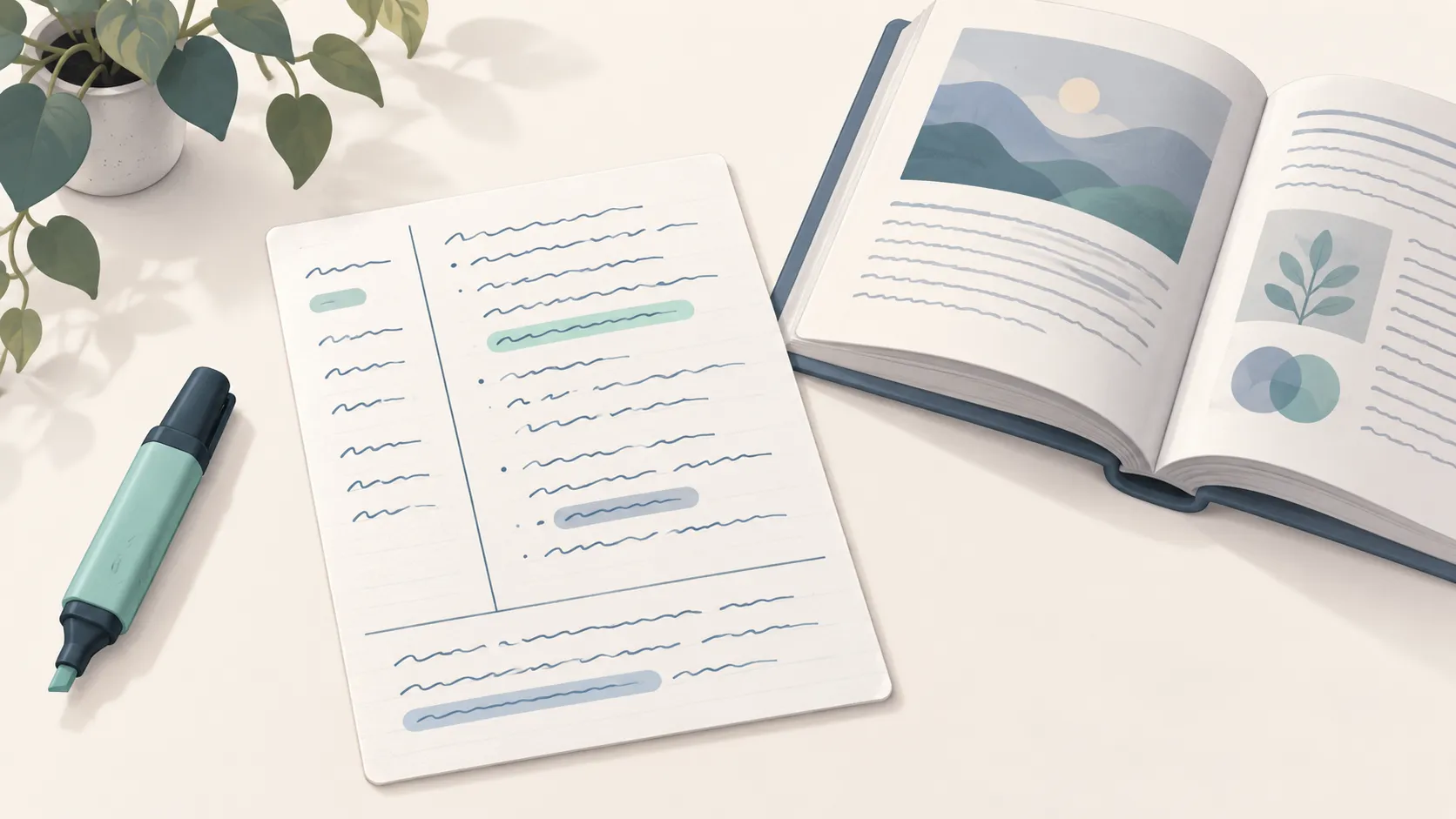
The Cornell method splits each page into three parts: a narrow cue column for questions and keywords, a wide notes column for what you write during class, and a summary box you fill in afterward in your own words.
What’s on the Page
A ready-made Cornell page: an optional Name, Class, Date and Topic line, the cue and notes columns side by side, and the summary box at the bottom, all ruled at the spacing you choose. The summary under the options tells you how many lines the notes column holds.
How to Customize It
- Line spacing: Wide, College or Narrow, the same rulings as lined paper.
- Cue column: Narrow, Standard or Wide. Standard (about 30% of the page) follows the original method; go wider if you write longer questions.
- Name, class, date and topic line: on by default, so every page is labeled for review.
- Line shade and page setup: paper size and a printer-safe margin (Standard by default, for a clean border).
Printing Tips
- The Standard margin gives the page a tidy frame and keeps the header clear of the paper edge.
- Print a small stack before a unit starts, so every class uses the same layout.
- Two-sided printing works well: use the back for extra notes or diagrams.
Ideas for Using It
- During class: write in the notes column only. Keep it short: key ideas, examples, diagrams.
- Right after: turn each chunk of notes into a question or keyword in the cue column.
- To review: cover the notes column and answer the cues out loud, then write the summary in two or three sentences.
When a cue keeps tripping you up, move it onto a card with Vocabulary Flashcards.