Everything Student

Dot-Grid Paper

Printable dot-grid paper with the dot spacing, dot size and shade you choose.

  • Paper
  • Letter & A4
  • Landscape
  • Print-Ready
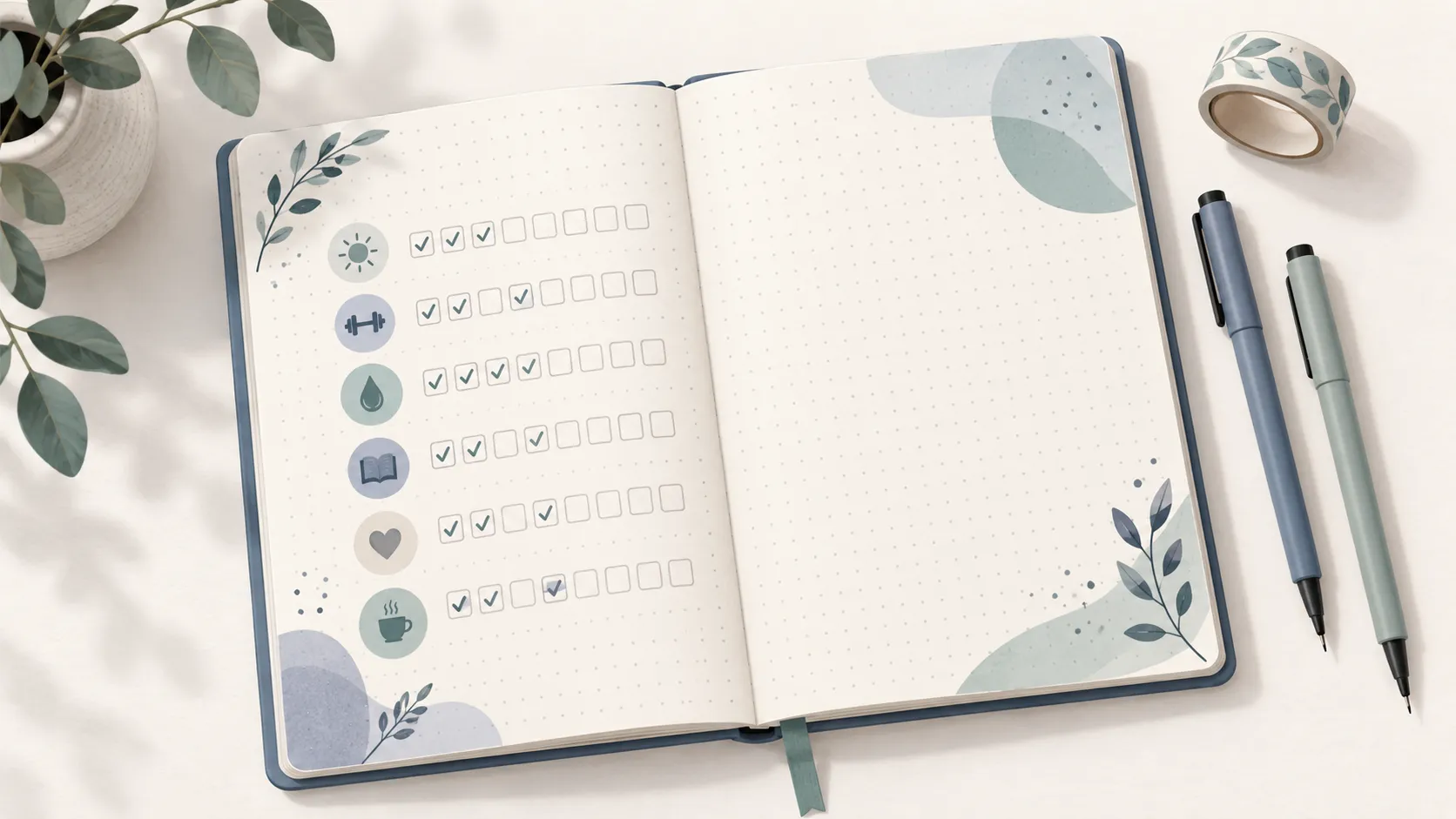
An open dot-grid journal with a habit tracker of small check boxes, two fine-liner pens and a roll of washi tape.
Dot Size
Line Shade
Page Setup
Orientation
Printer-Safe Margin

Most printers can't print right to the edge of the paper, so a margin keeps the page from being cut off.

Dot-grid paper gives you the structure of a grid without the lines: small dots mark where the squares would be, so your writing and sketches stay in front.

What’s on the Page

Rows and columns of small dots at an even spacing, centered on the page so the outermost dots are whole. The summary tells you how many dots fit across and down.

How to Customize It

  • Dot spacing: 3 mm to 20 mm. 5 mm is the common bullet-journal size.
  • Dot size: small dots nearly disappear under writing; large dots are easier to see on a photocopy.
  • Line shade: how dark the dots print.
  • Page setup: paper size, portrait or landscape, and a printer-safe margin.

Printing Tips

  • If the dots look faint on paper, choose a larger dot size or a darker shade before you change anything else.
  • Print at 100% scale so the spacing stays true.
  • The dots are drawn as real shapes, so they print even when your browser skips background graphics.

Ideas for Using It

  • Bullet journals, habit trackers and weekly spreads.
  • Sketching interfaces, diagrams and mind maps.
  • Handwriting practice with an even guide.
  • Math work where full grid lines feel too busy.

Need the full squares instead? Use Grid Paper.

Frequently Asked Questions

Why use dot-grid instead of grid paper?

The dots give you the same spacing for lining things up, but they fade behind your writing and drawings. That makes the page look cleaner, which is why dot grid is popular for bullet journals and sketches.

What spacing do bullet journals use?

Most dotted notebooks use 5 mm between dots, which is the default here. Try 4 mm for smaller handwriting or 7 to 8 mm for bigger lettering.

The dots are too light on my printout. What can I change?

Pick a larger dot size or the Medium or Dark shade. Some printers' draft or ink-saving modes also lighten fine detail, so switch to normal quality if they still look faint.

Home