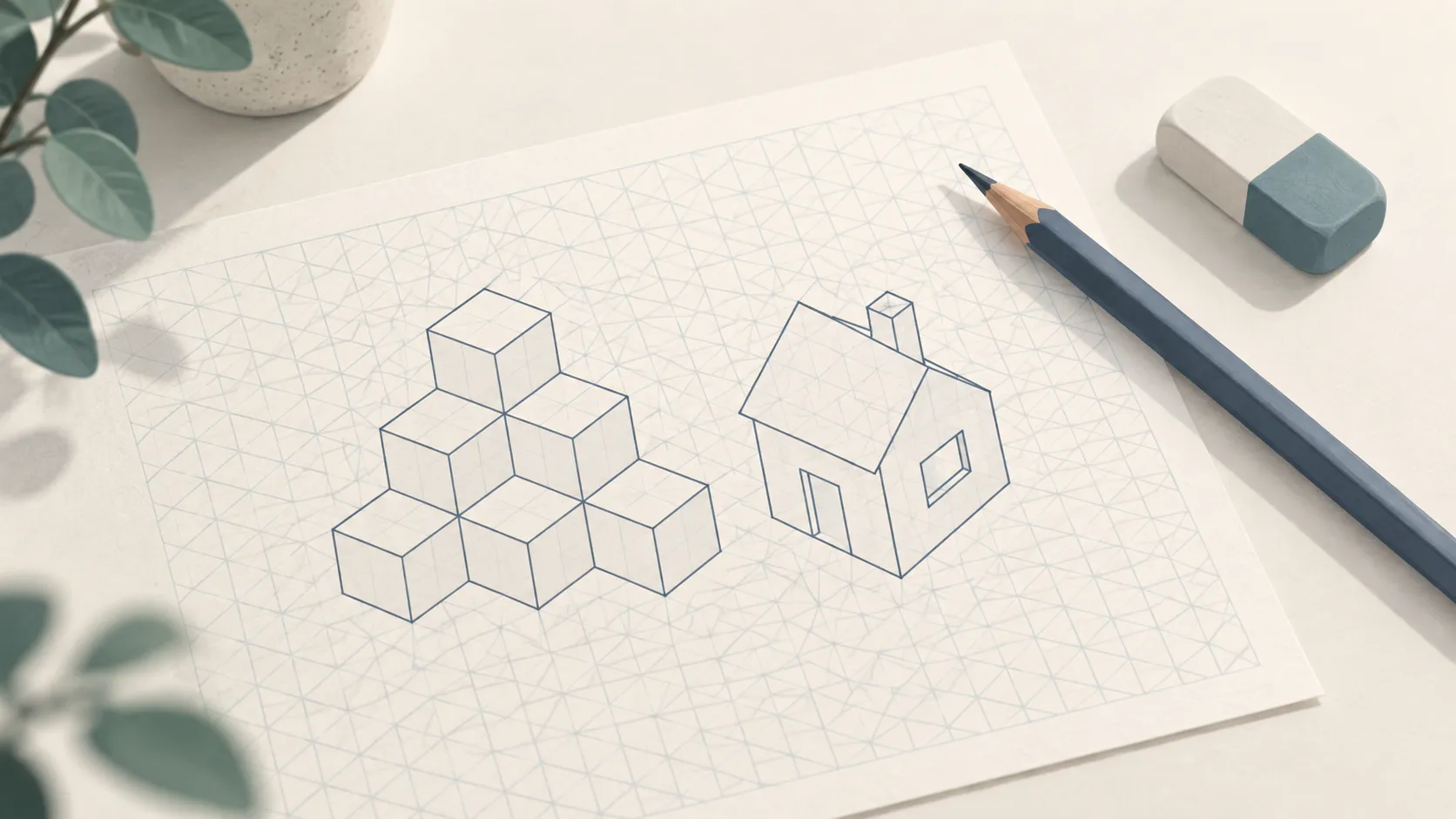
Isometric paper is a grid of equal triangles. Its three sets of lines follow the three directions of a box drawn in 3D, so cubes, buildings and objects come out in proportion without measuring angles.
What’s on the Page
A grid of equilateral triangles: vertical lines plus two sets of lines at 30 degrees, all meeting at the same points. The grid is centered on the page with a border around it.
How to Customize It
- Triangle size: the length of each triangle side, from 3 mm to 25 mm. 8 mm is a good general size; smaller triangles suit detailed parts.
- Style: Lines draws the full triangle grid; Dots prints only the points where lines meet (isometric dot paper), which is quieter under your drawing.
- Line shade and page setup: paper size, orientation and a printer-safe margin.
Printing Tips
- Print at 100% scale so the triangles stay equal and every line meets the others.
- Landscape gives wide objects like buildings and machines more room.
- The Dots style is easier to draw over and erase around.
Ideas for Using It
- 3D sketches of objects for design, art or engineering classes.
- Building-block and level designs for games.
- Chemistry models and crystal shapes.
- Practicing perspective before moving to freehand drawing.
For flat, square layouts, use Grid Paper.