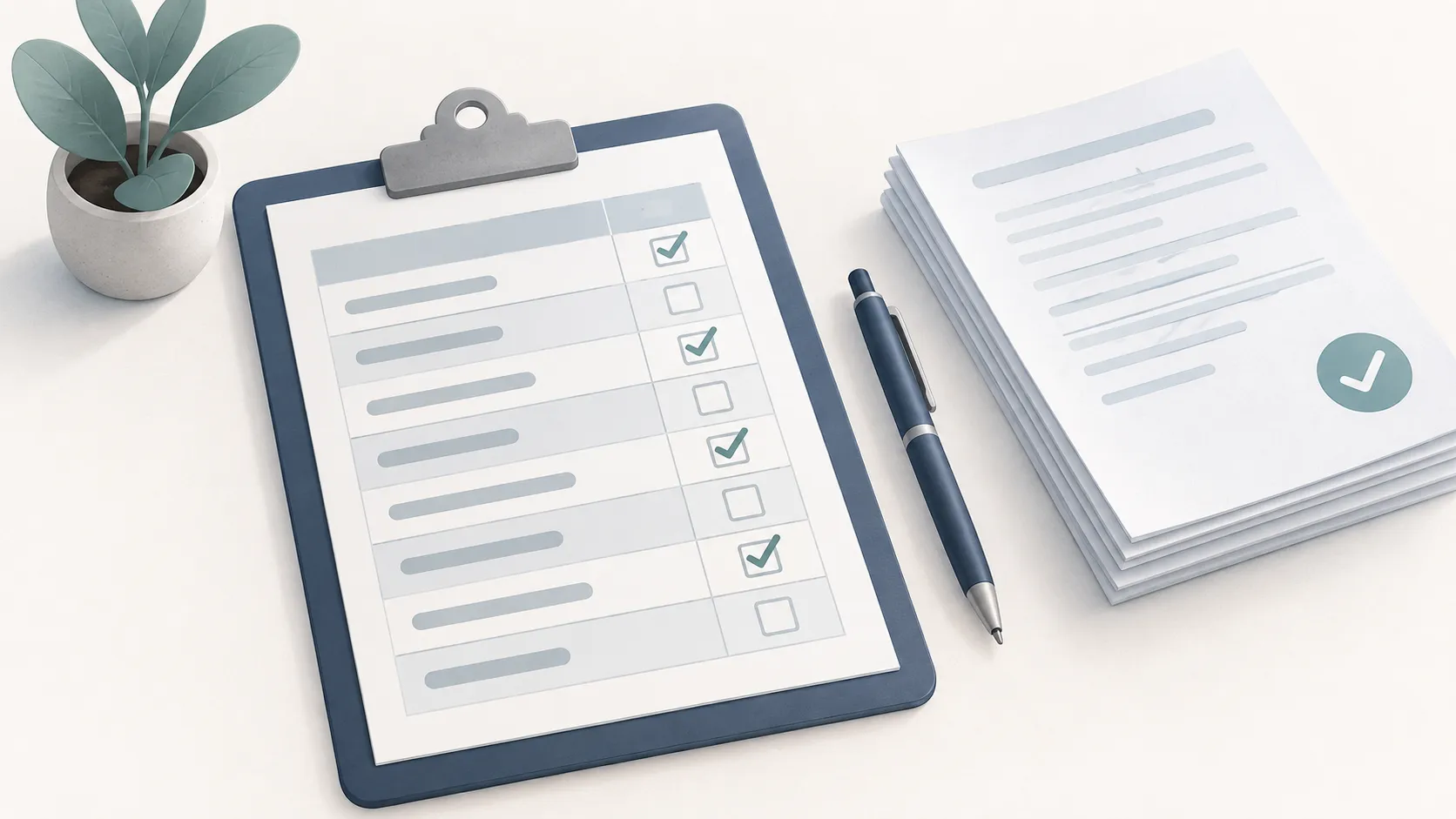
A simple table for keeping every assignment in one place: what it is, which class, when it is due, and a box to check when it is done.
What’s on the Page
A table with Class, Assignment, Due Date and Done columns, filled with as many rows as fit on your page. The row count always fits the sheet, so nothing is cut off, and the summary tells you how many rows you get.
How to Customize It
- Row height: Compact, Standard or Roomy. Compact fits the most rows; Roomy leaves space for longer titles.
- Extra columns: add Priority, Grade and Notes; they appear between Due Date and Done.
- Name and term line: a header for your name and the term.
- Page setup: paper size, landscape for more room across, and a printer-safe margin.
Printing Tips
- Landscape is best when you turn on the Notes column.
- Use the Standard margin for a clean border that works on every printer.
- Print one sheet per class, or one for everything, whichever you will actually check.
Ideas for Using It
- A running list of homework for the week or the term.
- Big projects broken into smaller steps, each with its own due date.
- Group projects, with the Notes column for who is doing what.
- Tracking grades as work comes back.
Plan the hours to get it done with Weekly Planner.